Common questions
Is FormChime free?
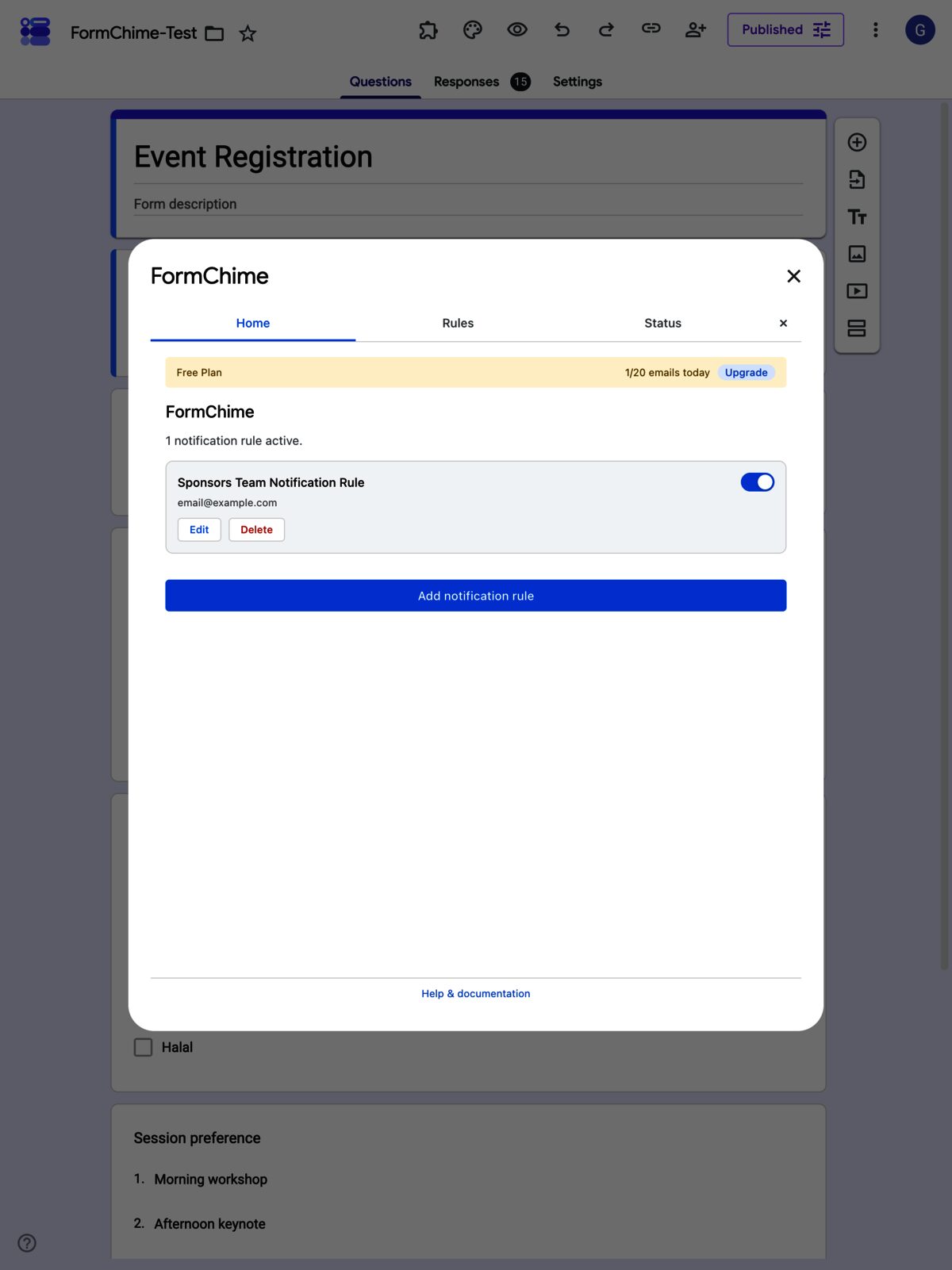
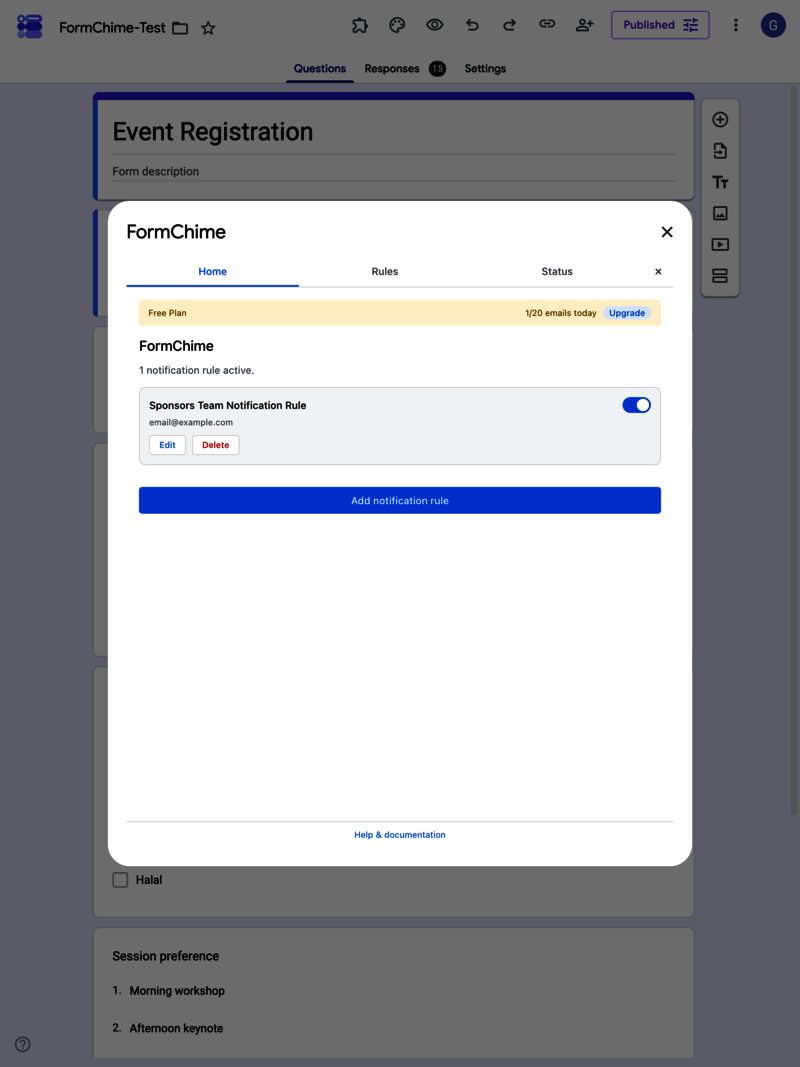
Yes. The free tier sends up to 20 notification emails a day on 1 rule, and it stays free. Pro ($65/year) lifts those limits and adds custom HTML templates, conditional routing, attachments, and provider integrations.
How long does FormChime take to set up?
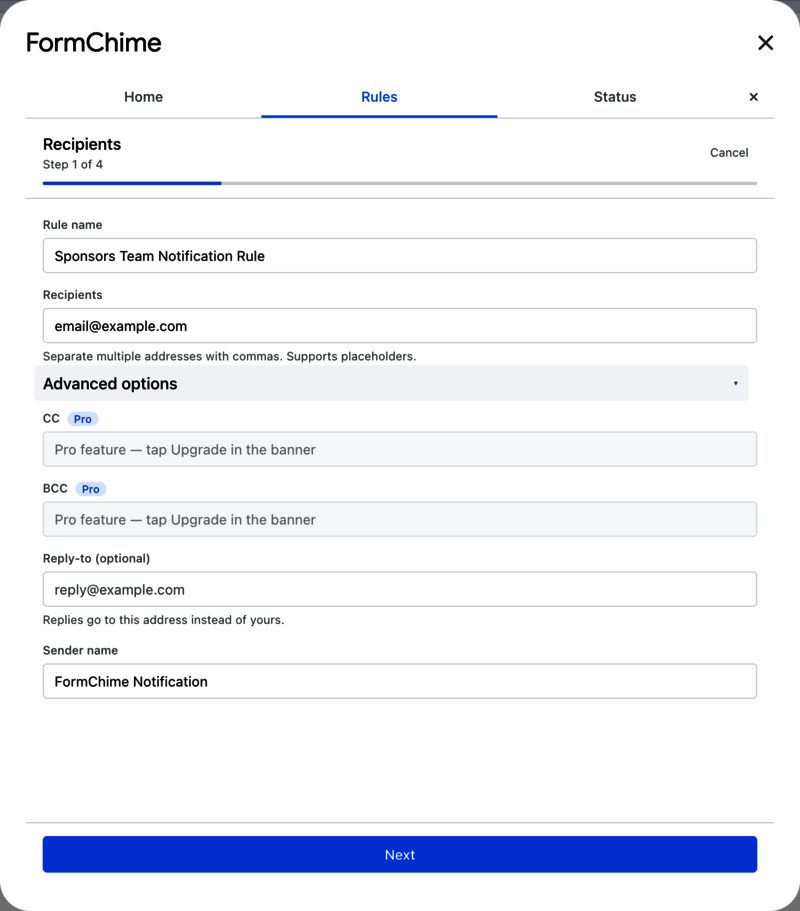
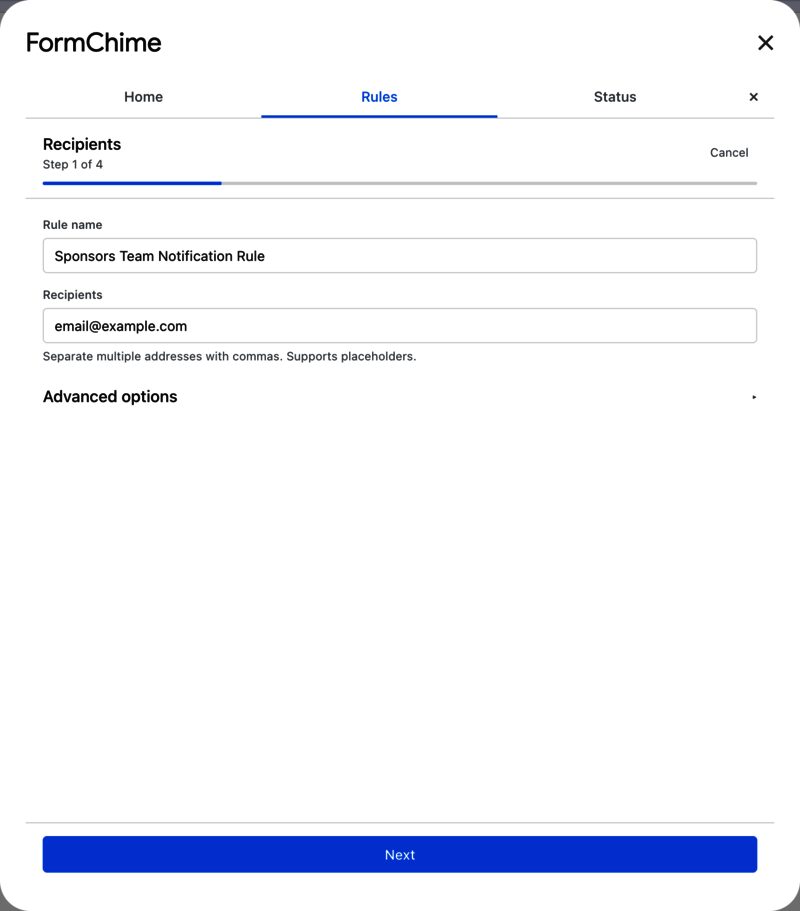
Under a minute. Open your Google Form, launch FormChime from the Add-ons menu, pick the fields you want, design the email, and choose who receives it.
Can I send different notifications to different people?
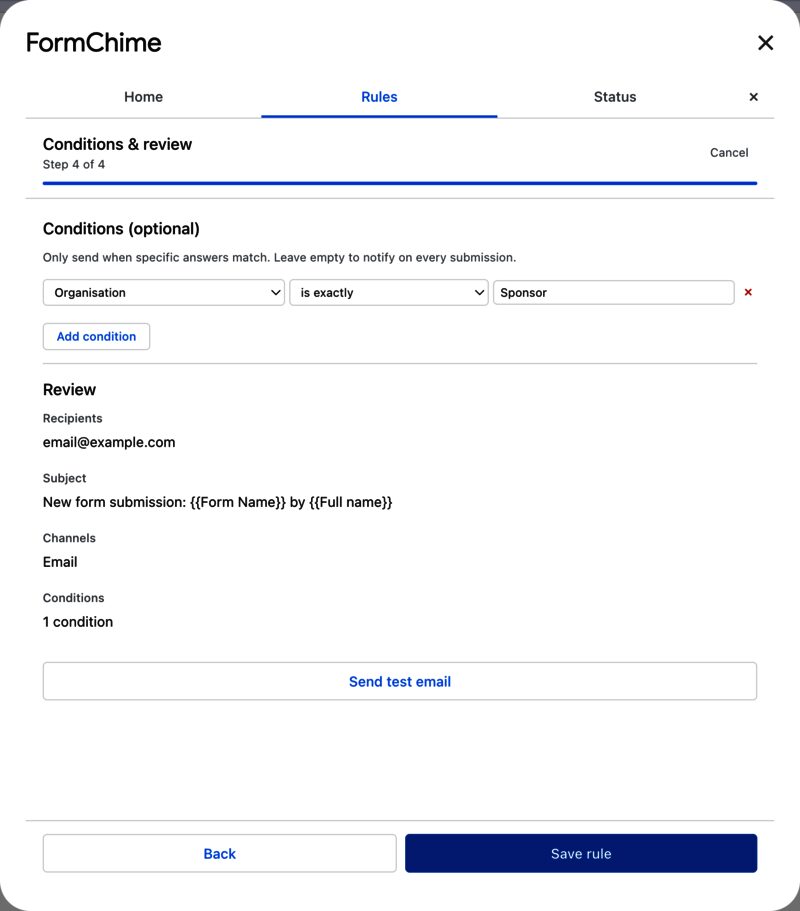
Yes. Conditional routing reads a form answer (a state, a department, a category) and sends each response straight to the right recipient.
Why not just use the built-in Google Forms email notification?
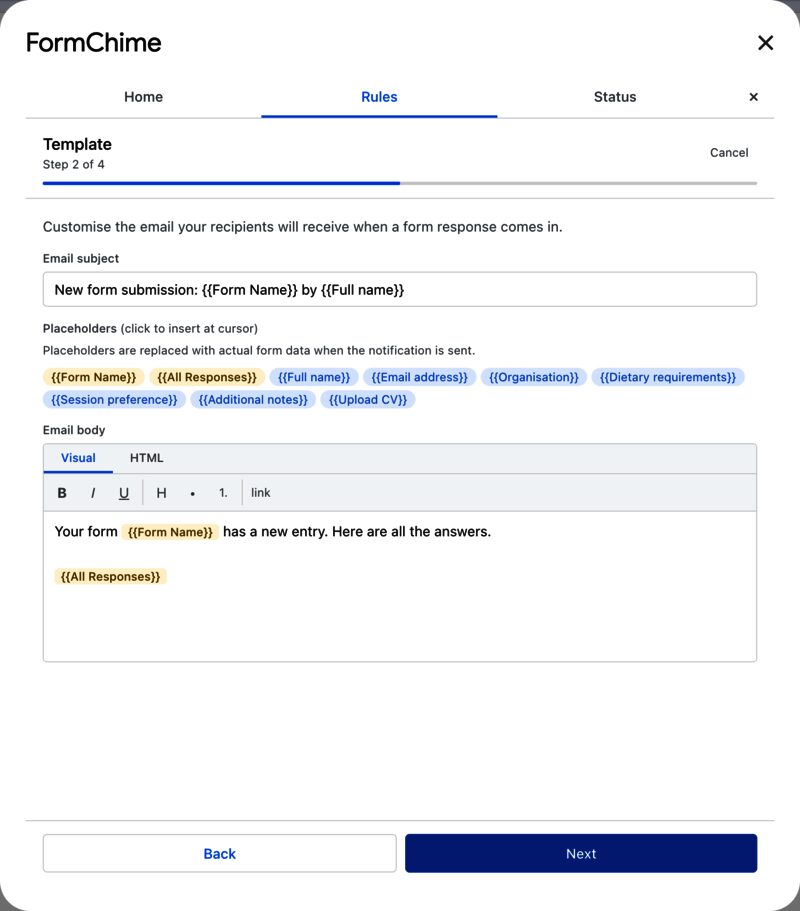
The built-in option sends a one-line 'you have a new response' email with no field data, no formatting, and a single recipient. FormChime puts the actual answers in the email, formats them the way you design, and routes them to the right people.
Why not just use Google’s built-in notifications?
Google Forms has a “get email notifications for new responses” toggle. It sends you a one-line email that says “New response” with a link back to the spreadsheet. No field data, no formatting, one recipient only.
That works if you’re collecting three responses a week and you’re the only person who needs to know. It falls apart the moment you need to:
- Include actual response data in the email (you always do)
- Send to different people based on what was submitted
- Format the notification so it’s readable without clicking through to the sheet
- Send to more than one person
The other option is writing Apps Script yourself. That works until the person who wrote it leaves, the form structure changes, or someone needs to update a recipient and can’t read JavaScript.
FormChime sits between those two extremes: more useful than the built-in toggle, less fragile than a custom script.
What is in the current build
The current implementation already covers the core notification workflow plus a Pro layer for teams that need more control:
- CC and BCC recipients
- AND, OR, and regex-based conditions
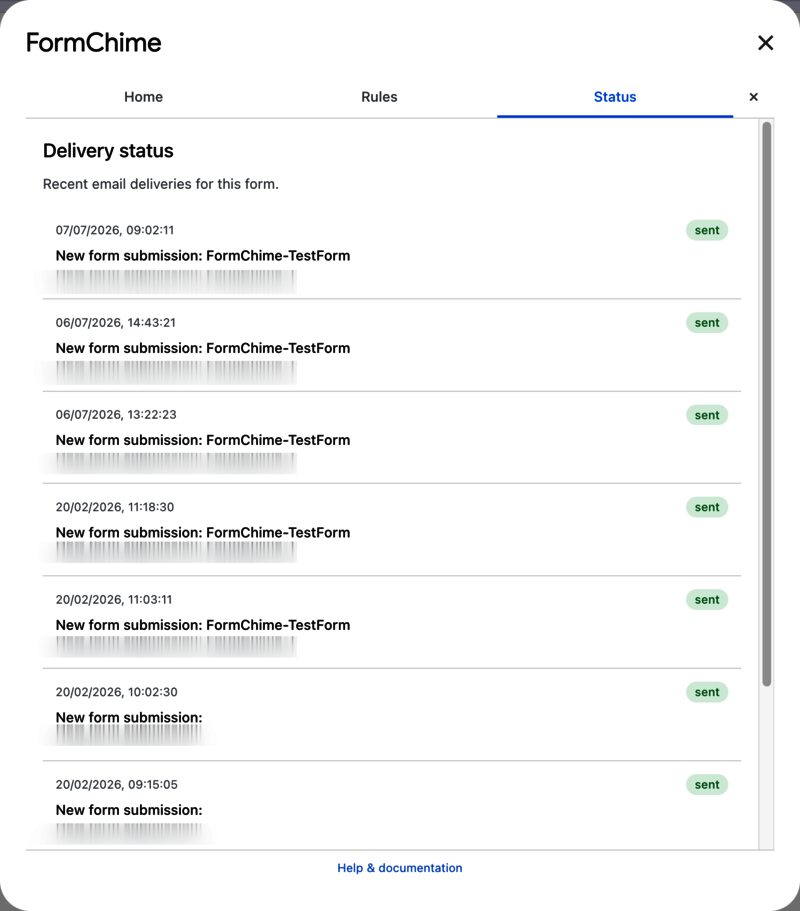
- Trigger health checks and delivery logging
- PDF attachments, uploaded-file attachments, and approved Drive attachments
- Provider-specific Slack, Discord, and Google Chat webhooks
- Twilio SMS notifications
Generic arbitrary webhooks are intentionally disabled in the current deployment posture so the outbound behaviour stays narrow and reviewable.